


Here's what this post covers
Whether you’re a wedding photographer, florist, or wedding designer, it’s incredibly important to look professional online.
The wedding industry is a high-end, competitive industry and your online presence is key to booking high-end clients.
Creating a beautiful email signature for your brand is an easy way to step up your brand’s professional appearance and it can easily be done in less than 15 min!


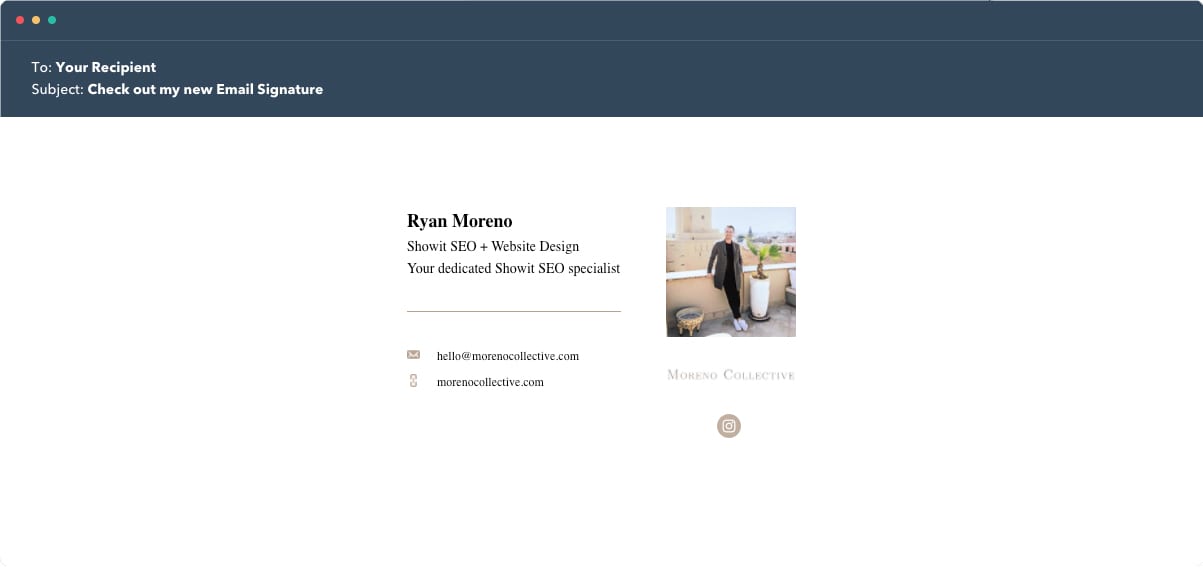
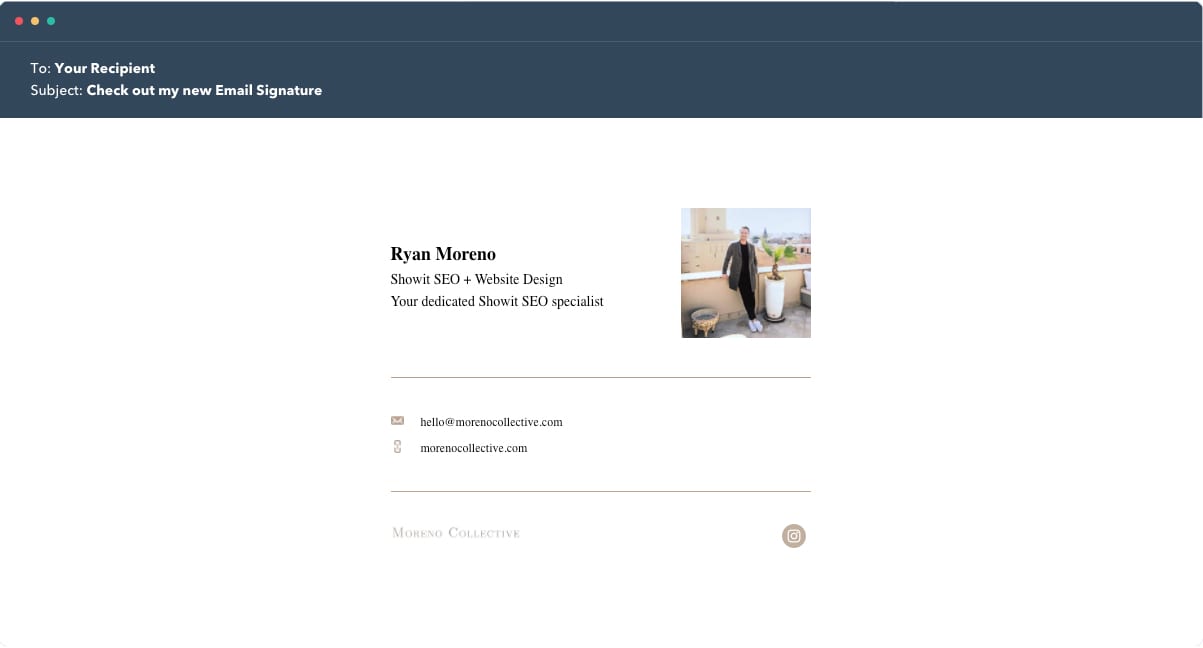
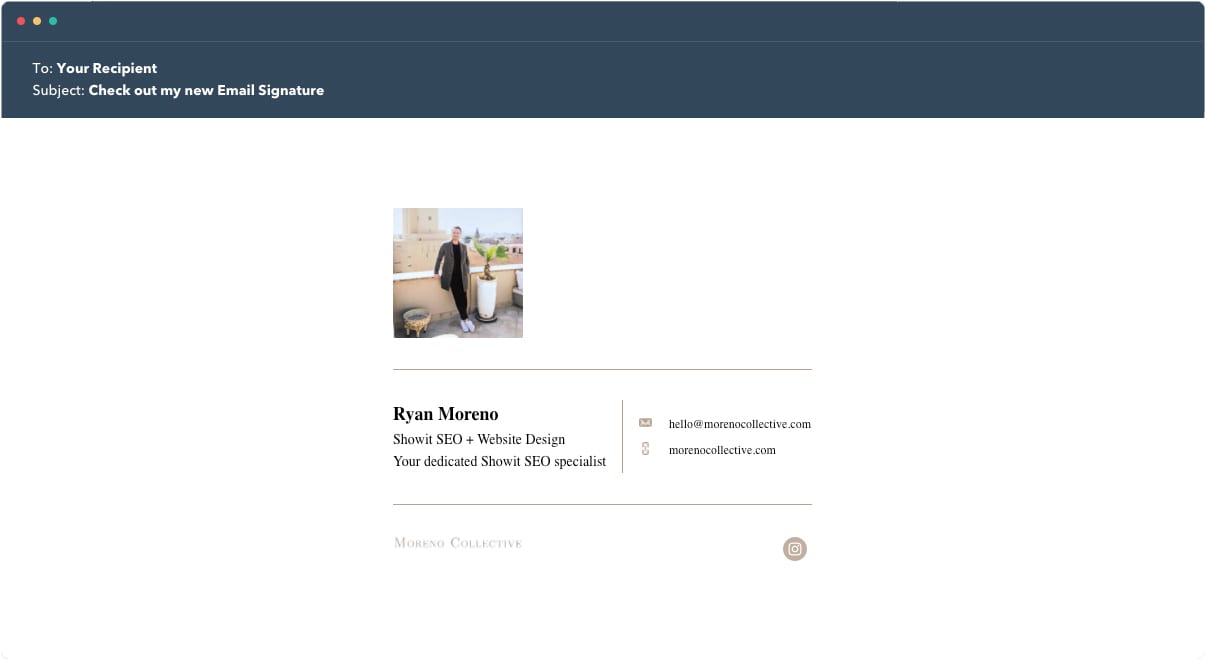
In this post, I am going to show you how to create an email signature using HubSpots’s free email signature generator and how to add it to your email applications like Apple Mail App, Spark, and Gmail.
How to create a free email signature
Check out the video below to see how I created my free email signature using Hubspot’s Email Signature Generator.
Best Free Email Signature Generator
Your first step is to navigate to Hubspot’s free email signature generator. Hubspot’s free email signature generator is amazing and let’s you create and customize beautiful email signatures in less than 5 minutes.
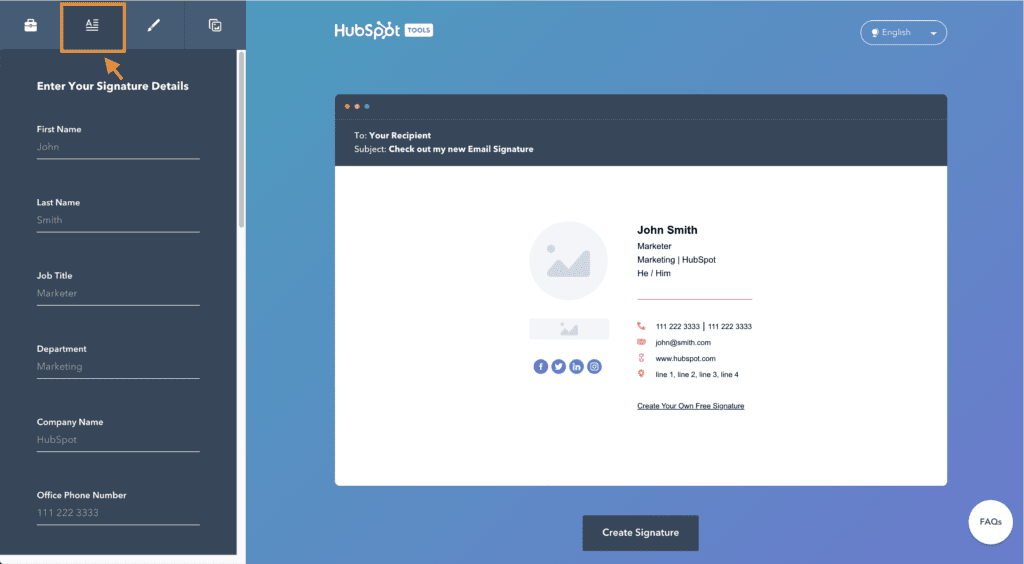
Before selecting your template (email signature design), I would enter all of your info by pressing the details tab at the top.
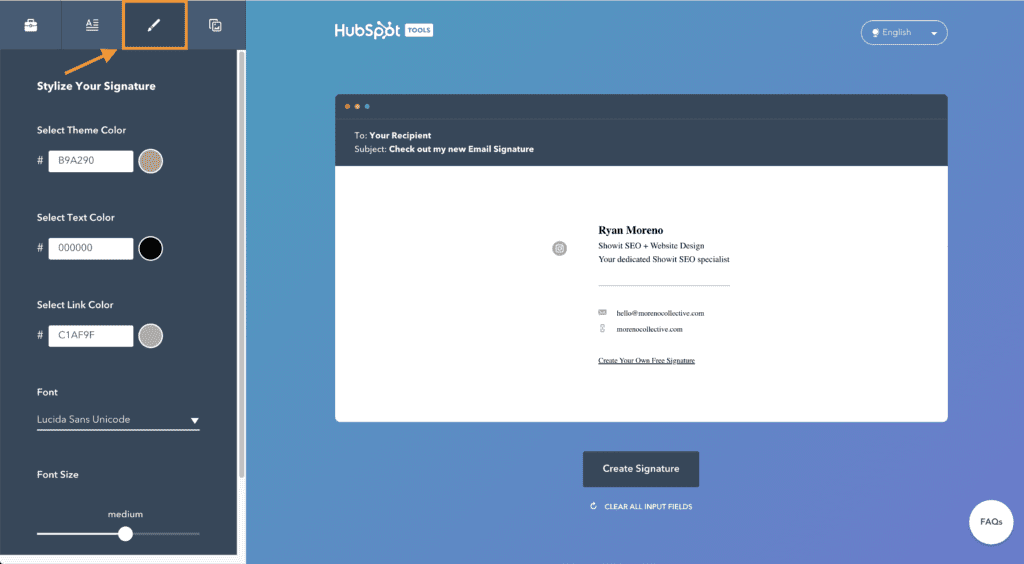
Next, you’ll want to add your brands colors to the email signature by clicking on the style tab.
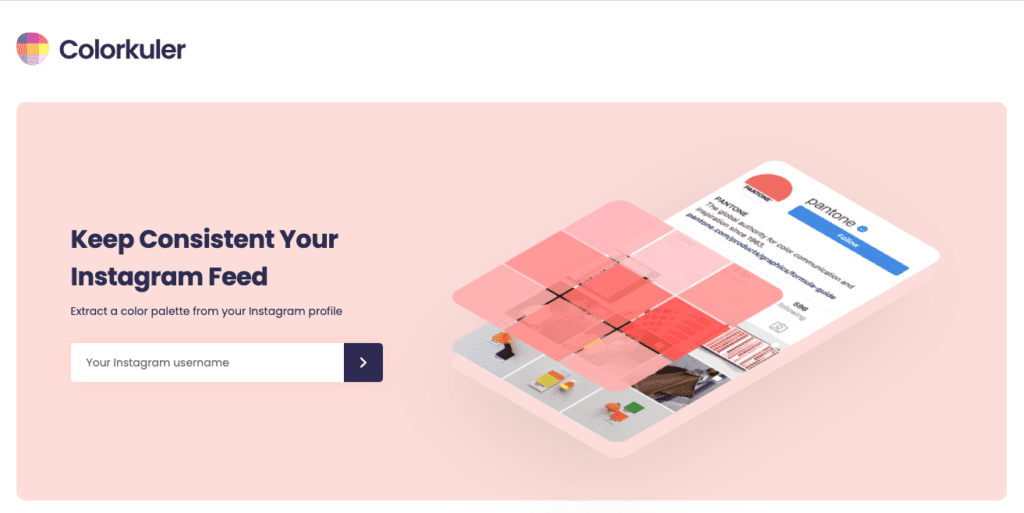
If you’re looking for inspiration when it comes to your brands color pallet, you can use a website like Colorkuler to generate a free color pallet based off of your instagram.
After your email signature has some color, your next step is to add your logo and bio pic! I would highly recommend adding a picture of yourself as it adds a sense of personality to your emails (inviting).
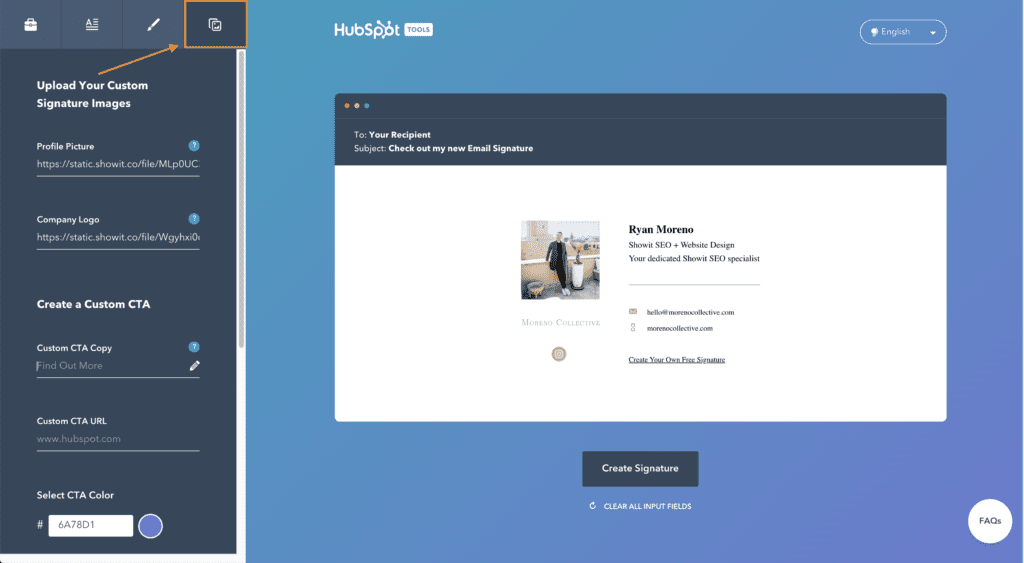
The easiest way to get your image in your email signature is by uploading the image you want to use to your media library in Showit or WordPress.
Both allow you to easily grab the image URL that’s needed to embed your bio pic and the logo.
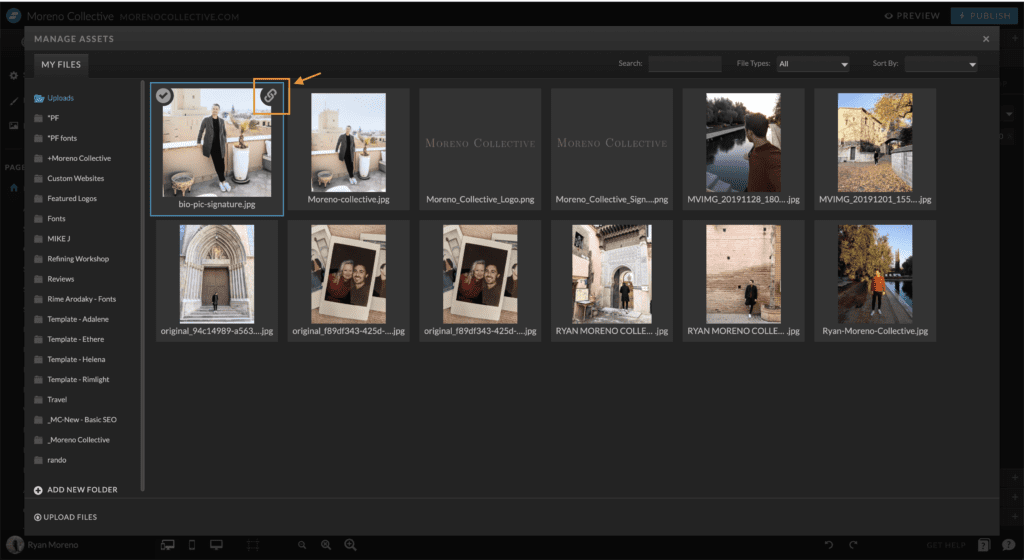
After you’ve finished adding your picture, logo, and signature details, its time to go back to the template tab and find the template you like most!
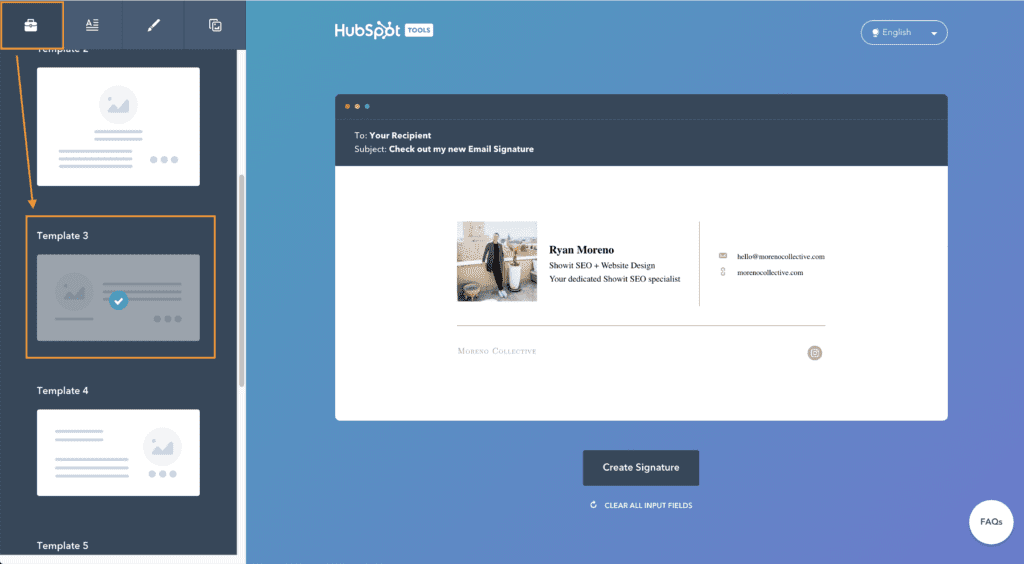
One thing to remember is that some of these will look better on desktop than they will on mobile. Make sure to test your signature on mobile before emailing clients!
How to add your email signature to Spark Mail App
Spark Mail is my favorite email app for Mac (desktop) and mobile. This video will show you how to add your email signature to your favorite Mail App.
Once you’re done creating your custom email signature, click the “Create Signature” button below your email signature.
You’ll see 2 options for copying your email signature. I would recommend copying the Signature Source Code, but if your email provider does not allow HTML to be pasted, then click on the Copy Signature button instaed.
Alternatively, you can click on the links below the buttons that will show you how to add your signature to Gmail, Outlook, Yahoo Mail, and Apple Mail.

In Conclusion
Using a custom email signature that looks beautiful on desktop and mobile is key to presenting yourself as a professional online. Using Hubspot’s free email signature generator is a great way to get this done in under 15 min!


Join the Conversation
Ask away—our goal is to make sure you leave with the answers you’re looking for.
Leave a Comment